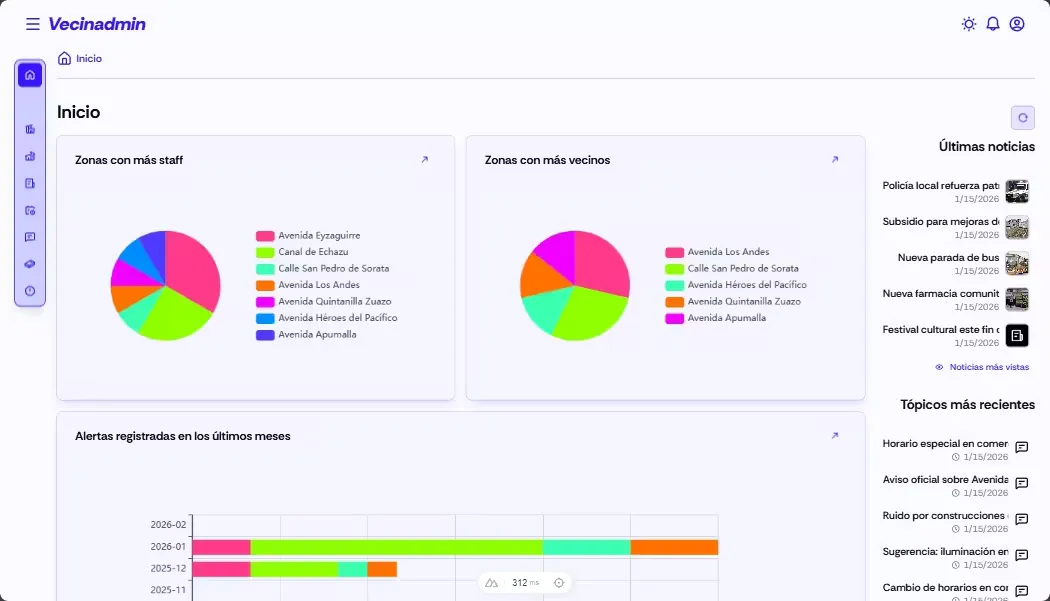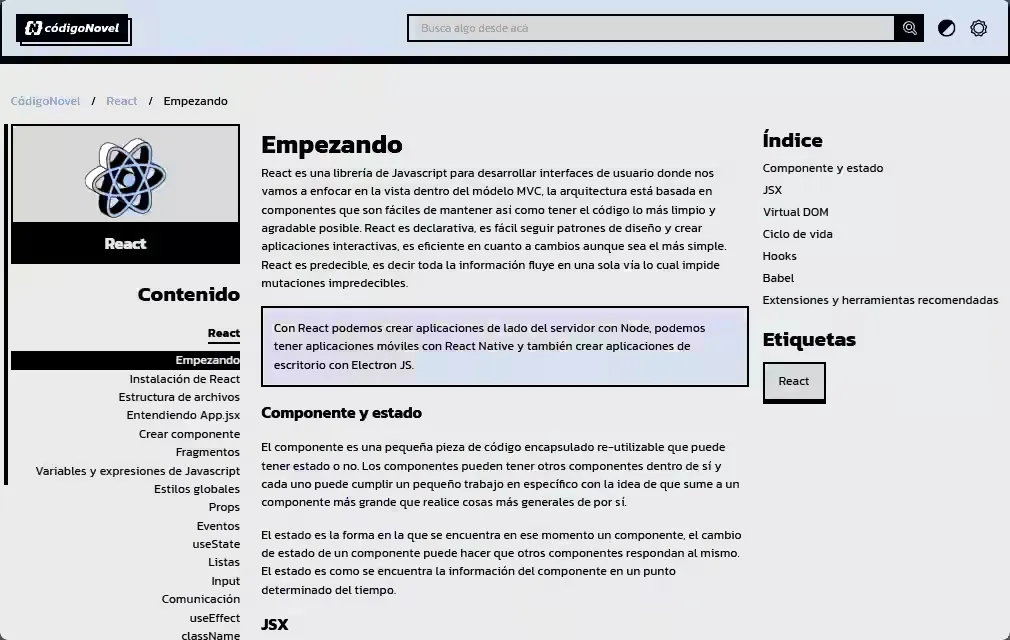
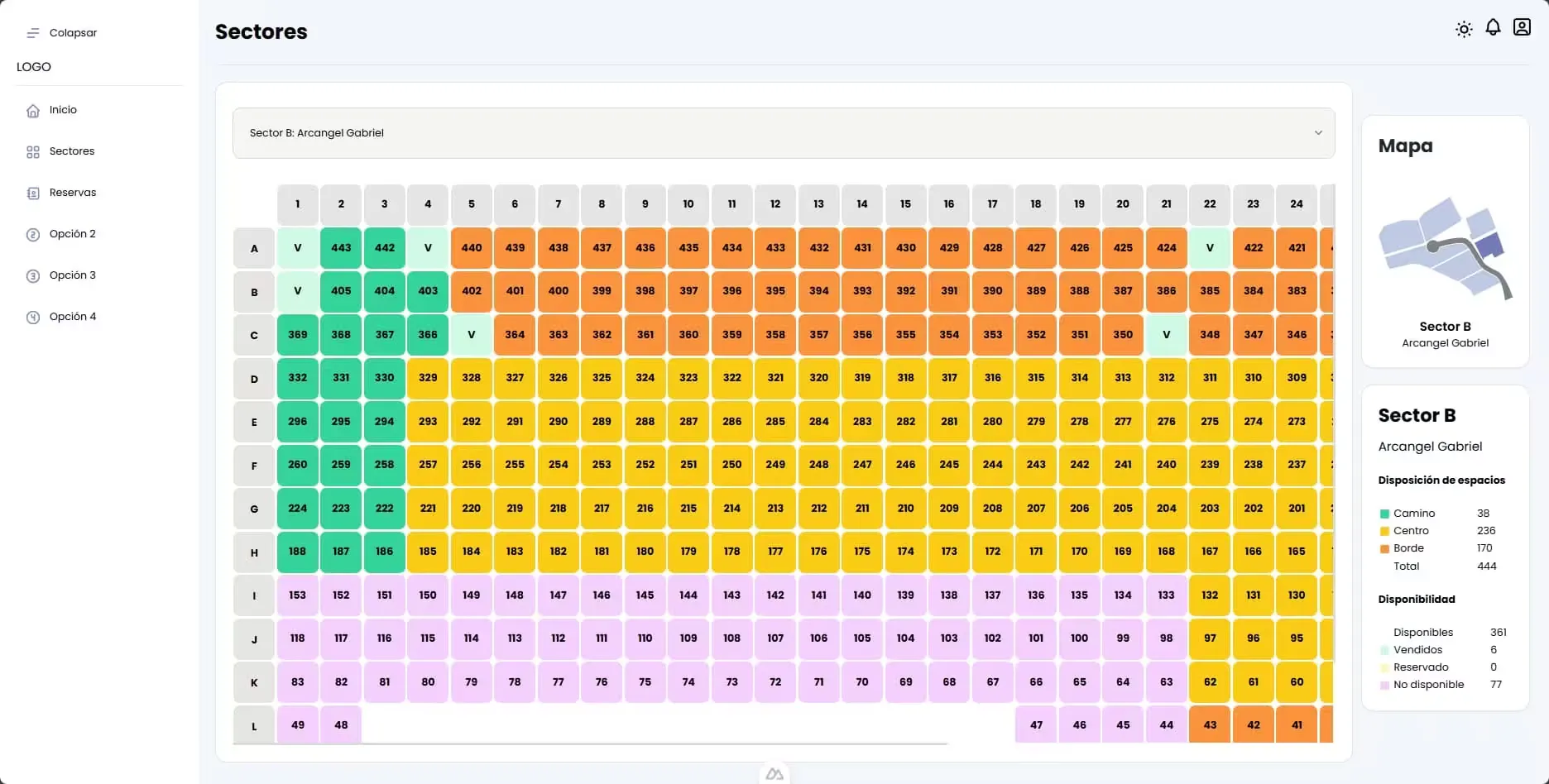
The BDI system is a full-stack solution for modern cemetery space management that combines a robust server (bdi-backend) acting as the core of the application with an intuitive user interface (bdi-frontend) that enables efficient management of available spaces. The main purpose of this system is to digitize the cemetery’s physical inventory, removing manual management of maps and record books; bridging the gap between physical availability and the sales process by allowing spaces to be queried and reserved in real time without duplication errors.
This system was part of a technical test and is not under active development; its goal was always to demonstrate a solution for space occupancy within a cemetery administrative context.
bdi-backend
bdi-backend is the central server of the BDI system, designed for the logistical and commercial management of cemetery spaces. It functions as the digital core that allows for mapping, categorizing, and controlling the inventory of physical units, handling everything from the definition of large sectors or parks down to the specific details of each individual plot.
Technology stack
- Backend
-
 TypeScript: Main language of the project
 -
 Node.js: Server runtime environment
 -
 NestJS: Framework to structure the server
-
- Database
-
 PostgreSQL: Relational database for data storage
 -
 TypeORM: ORM used to interact with the database
 - typeorm-transactional: Transaction handling helper for TypeORM
-
- Authentication & Security
-
 JWT: JSON Web Tokens for secure authentication
 - 🔑 bcrypt: Library for password hashing
-
 Passport.js: Authentication middleware
-
- Validation
-
 class-validator: Validation for incoming data
 - class-transformer: Object transformation utilities
- 🥳 Joi: Schema validation
-
- Utilities
- 🕰️ Luxon: Date and time handling
- 🌿 Dotenv: Environment variable management
- Development Tools
-
 ESLint: Linting tool to maintain code quality
 -
 Prettier: Code formatter to keep a consistent style
 -
 Docker Compose: Containerization and service orchestration
 - 🐶 Husky: Git hooks to automate development tasks
-
 Commitlint: Linting commit messages to keep a clean history
-
Features
- Structure Management: Allows defining the cemetery’s macro-areas, categorizing them by “Park” and “Sector”. This serves as a header to group individual spaces.
- Space Management: Granular administration of each unit. It allows defining coordinates, monetary value, and physical characteristics.
- State and Type Control: Classification of spaces by states (
Available,Sold,Reserved,Unavailable) and land types (Edge,Center,Path). - Reservation System: Functionality to link a specific user with an available space (
Detail), recording the date and the active state of the reservation. - User Management: Administration of people who acquire or reserve spaces.
Modules
- HeadModule: Handles the logic for general areas (Parks/Sectors).
- ReservationModule: Controls the reservation process for spaces.
- DetailModule: Manages individual spaces, their characteristics and states.
- UserModule: Administers user information.
- AuthModule: Implements secure authentication and authorization.
Data model
The database design is relational and is mainly structured as:
-
Head
- Represents the geographic area.
Fields:
id,park(park name),sector(sector identifier),name.
- Represents the geographic area.
Fields:
-
Detail
- Represents each individual space.
- Many-to-one relationship with
Head. - Fields:
row(row),column(column),value(price),status(Enum),type(Enum:Edge,Center,Path).
-
Reservation:
- Relationship: Connects
UserandDetail. - Fields:
is_active,created_at.
- Relationship: Connects
-
User
- Represents users who acquire or reserve spaces.
- Fields:
id,username,email,password.
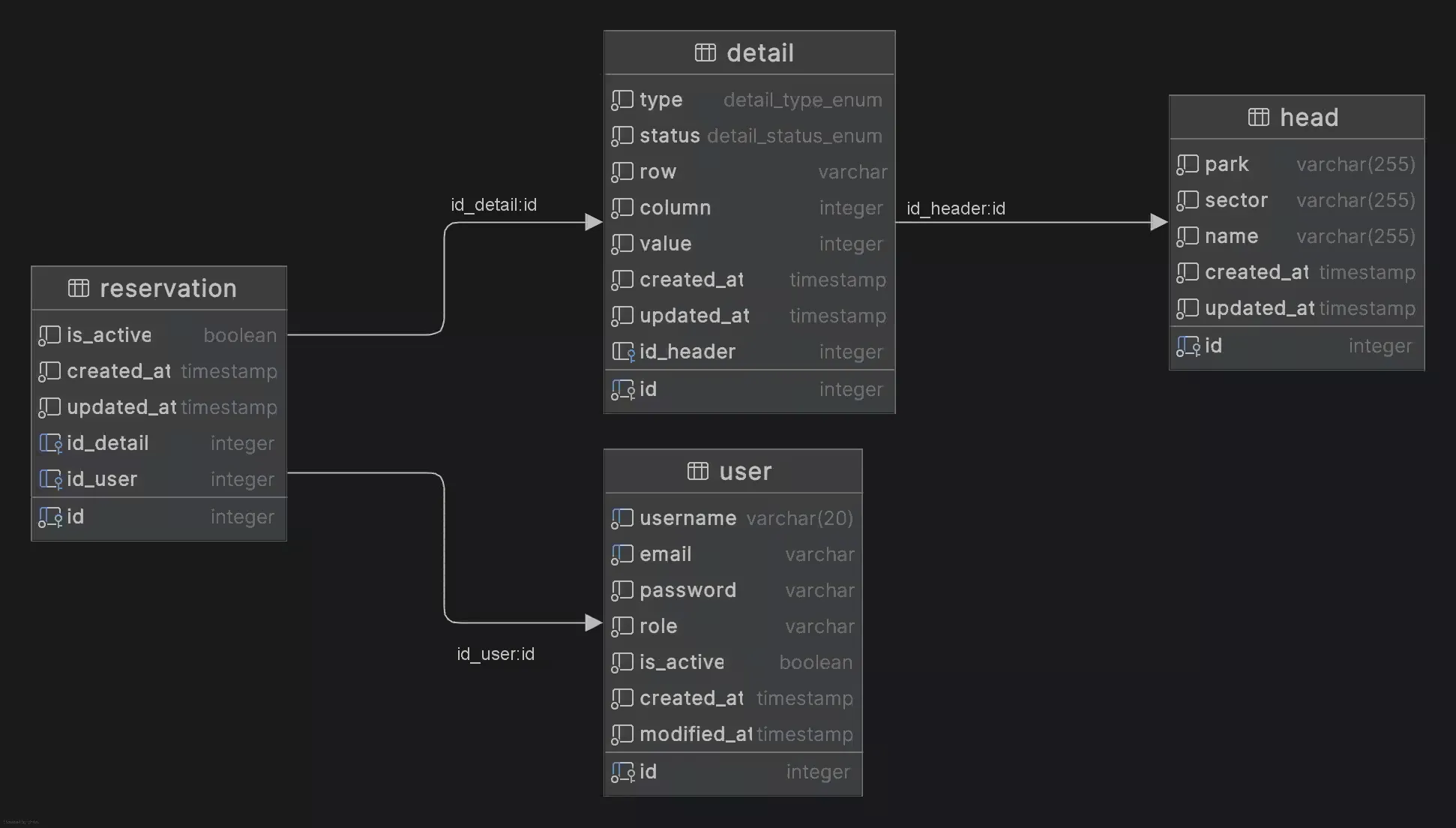
You can view the data model in diagrams.net: BDI data model
Prerequisites
- NodeJS >= 16.x
- npm >= 9.x
- Docker (optional, for PostgreSQL database)
Installation & running (backend)
-
Clone the repository:
git clone https://github.com/igidio/bdi-backend.git cd bdi-backend -
Install dependencies:
npm install -
Environment configuration: Rename the example environment file and configure your variables:
cp .template.env .env -
Database configuration: If you have Docker installed, configure the 📄docker-compose.yaml file with your PostgreSQL instance details. Then run the following command to start the PostgreSQL database:
docker-compose up -d -
Run migrations and seeds: Make sure the database is running and execute migrations and seeders to prepare the schema:
# Run TypeORM migrations npm run typeorm:generate # Run seeders to populate initial data npm run seed:fresh -
Start the application:
npm run start:dev
If everything is configured correctly, the application should be running at 🔗http://localhost:3000.
Extra: if you want to use husky for git hooks and commit lints, run:
npx husky initbdi-frontend
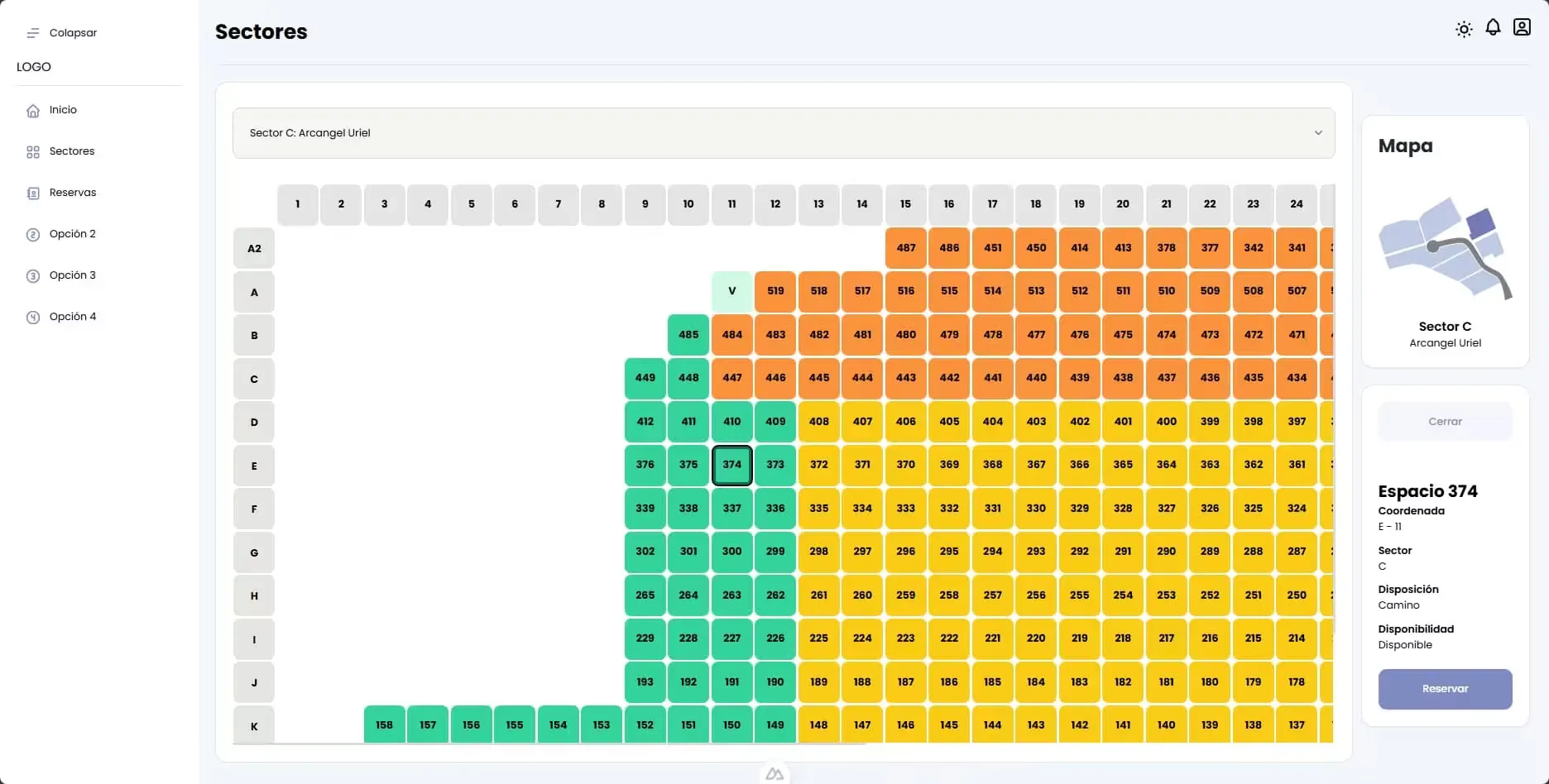
bdi-frontend is the user interface of the BDI system, designed to interact with the cemetery space management system. Its goal is to provide a visual and intuitive experience so users can check space availability, manage reservations and administer their profile, abstracting business logic from the server through a modern and reactive application.
Technology stack
- Frontend
- TypeScript: Main language of the project
-
 Nuxt 3: User interface framework
 -
 Vue 3: UI framework
 -
 Vite: Fast build tool
 -
 Pinia: State management for global data handling
-
- UI
-
 Tailwind 4: Utility-first CSS framework
 -
 SASS: CSS preprocessor for advanced styles
 -
 Iconify: Icon library
-
- Validation
-
 Zod: Runtime schema validation
-
- Development Tools
- 🐶 Husky: Git hooks to automate development tasks
- Commitlint: Linting commit messages to keep a clean history
Features
- User Authentication: Full flows for registration, login and password recovery.
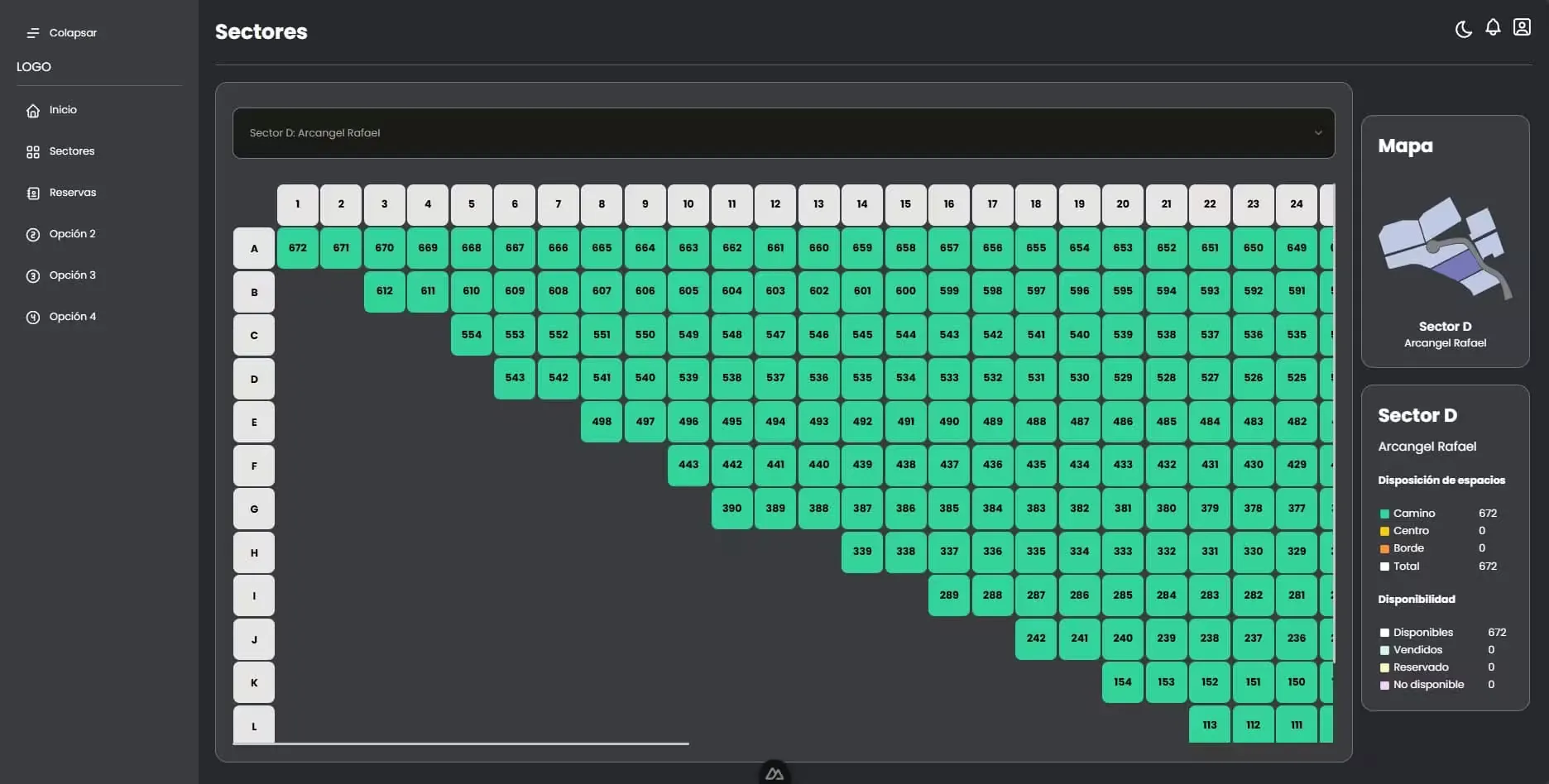
- Exploration of spaces: View details of available spaces, allowing users to see specific characteristics of graves or niches.
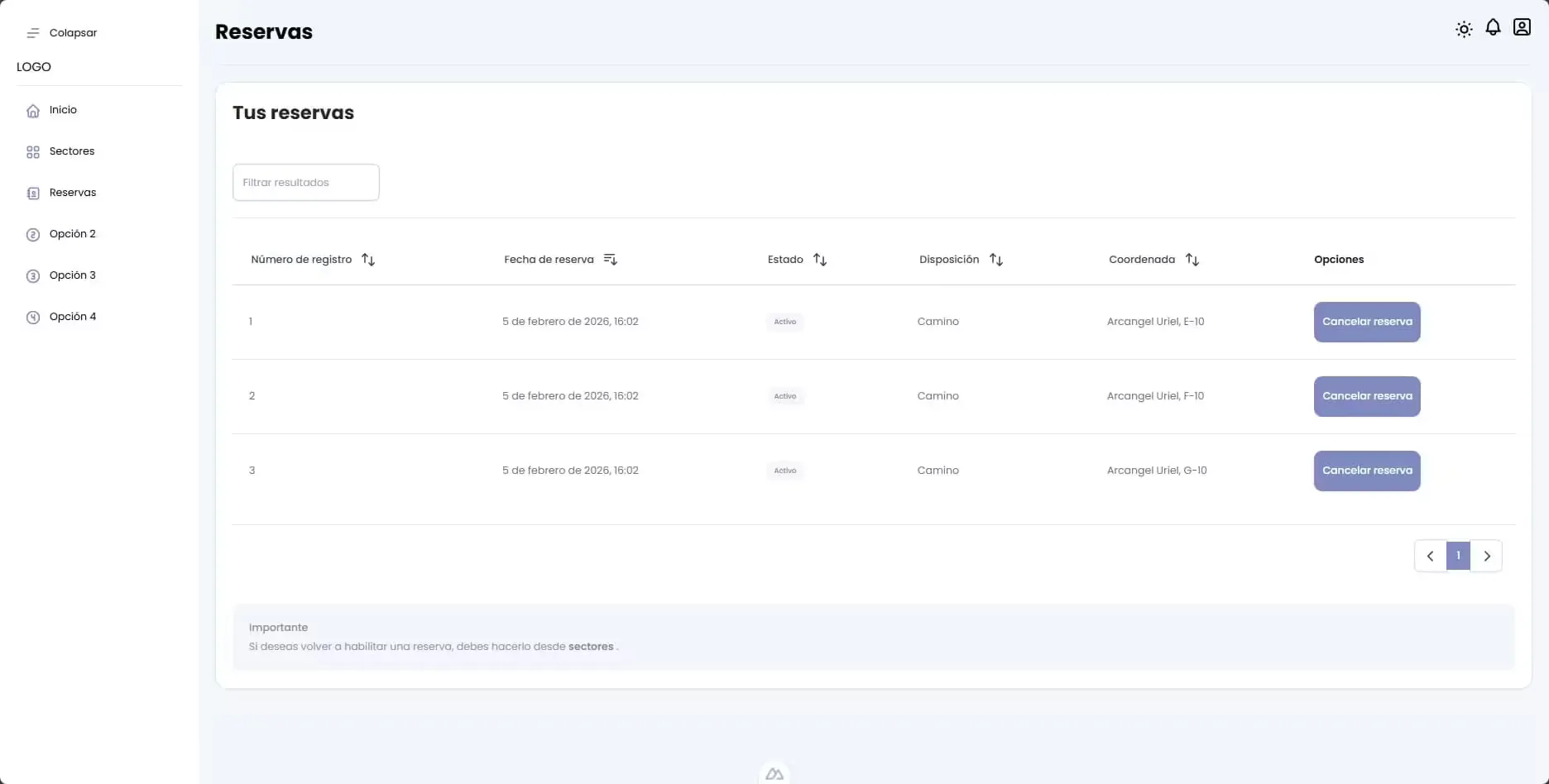
- Reservation Management: Dedicated interface for users to check the status of their purchases or active reservations.
- User Profile: Personal area to manage account data.
- API Integration: Smooth communication with the backend to retrieve real-time data about space availability and to manage reservations.
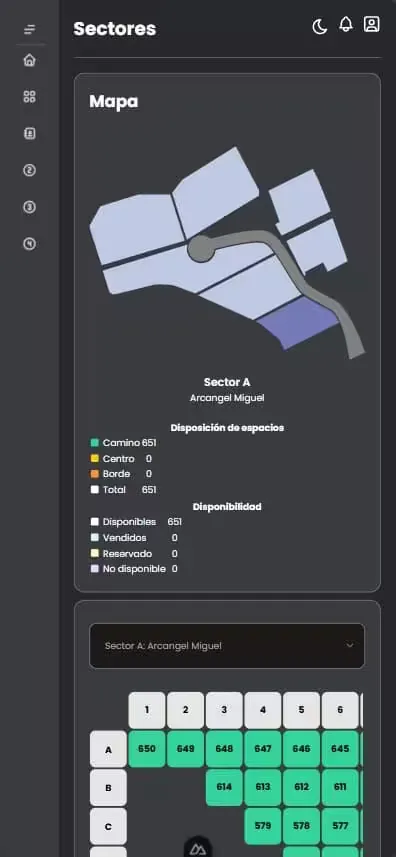
- Responsive Design: Automatic adaptation to different devices for an optimal experience on mobile, tablet, and desktop.
- Dark & Light Mode: Support for visual themes according to user preferences.
Prerequisites
- Node.js >= v18
- NPM >= v9
- A running instance of bdi-backend (for API connectivity)
Installation & Running (frontend)
-
Clone the repository
git clone https://github.com/igidio/bdi-frontend.git cd bdi-frontend -
Install dependencies
npm install -
Configure environment variables
Create a 📄.env file from the template:
cp .env.template .env -
Update the
SERVERvariable in 📄.env to point to your backend URL (for example, http://localhost:3000). -
Run the application
Start the development server:
npm run dev
The application will be available at 🔗http://localhost:5173 (or the port shown in your terminal).
Test data
To try the application you can use the following predefined user seed data that is created when running the seeders in the backend:
| Role | Username | Password | |
|---|---|---|---|
ADMIN | username1 | email1@mail.com | password1 |
CLIENT | username2 | email2@mail.com | password1 |
CLIENT | username3 | email3@mail.com | password1 |
License
This project is licensed under the MIT License. See the 📄LICENSE.md file in the repositories for more details.