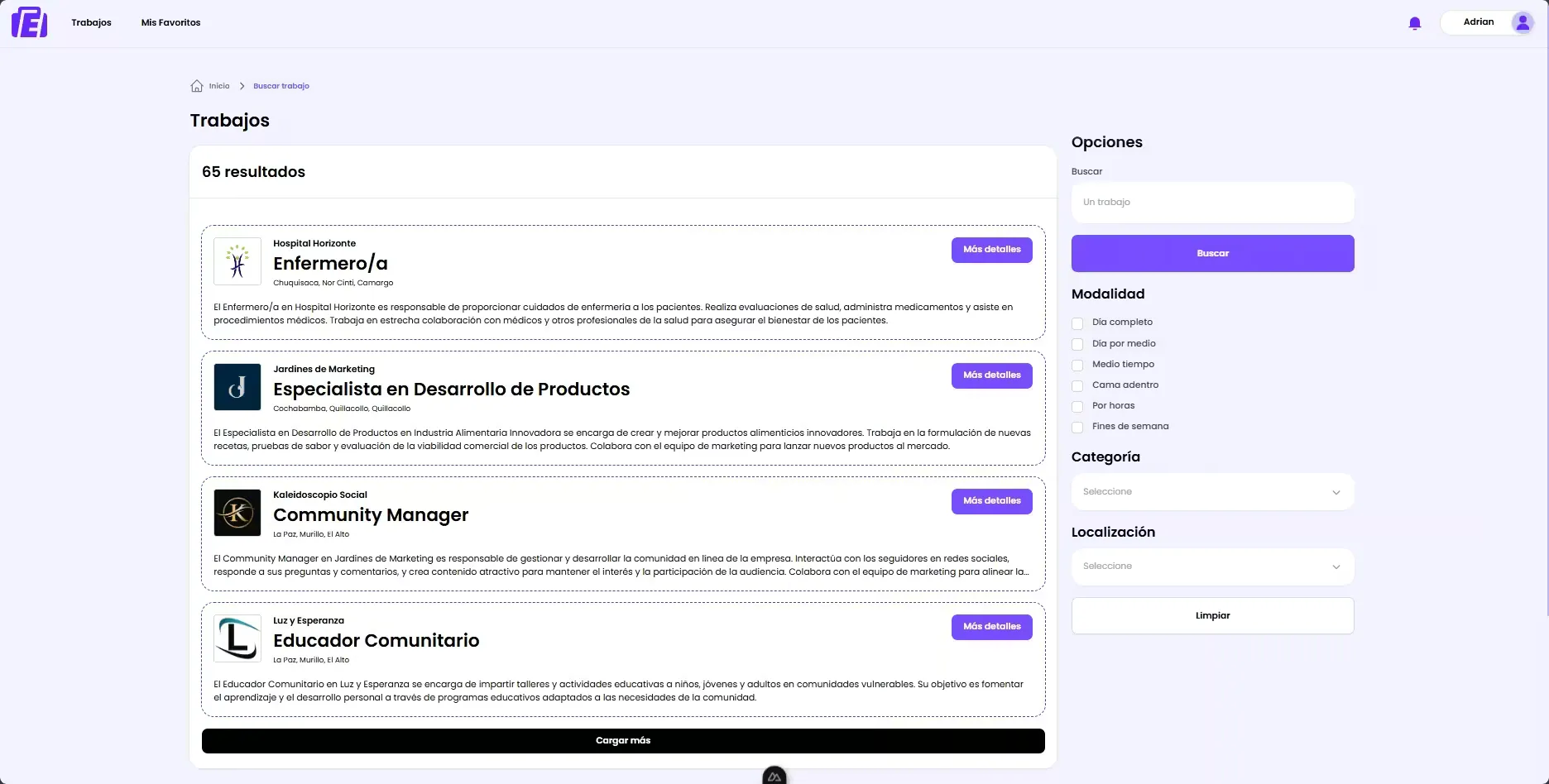
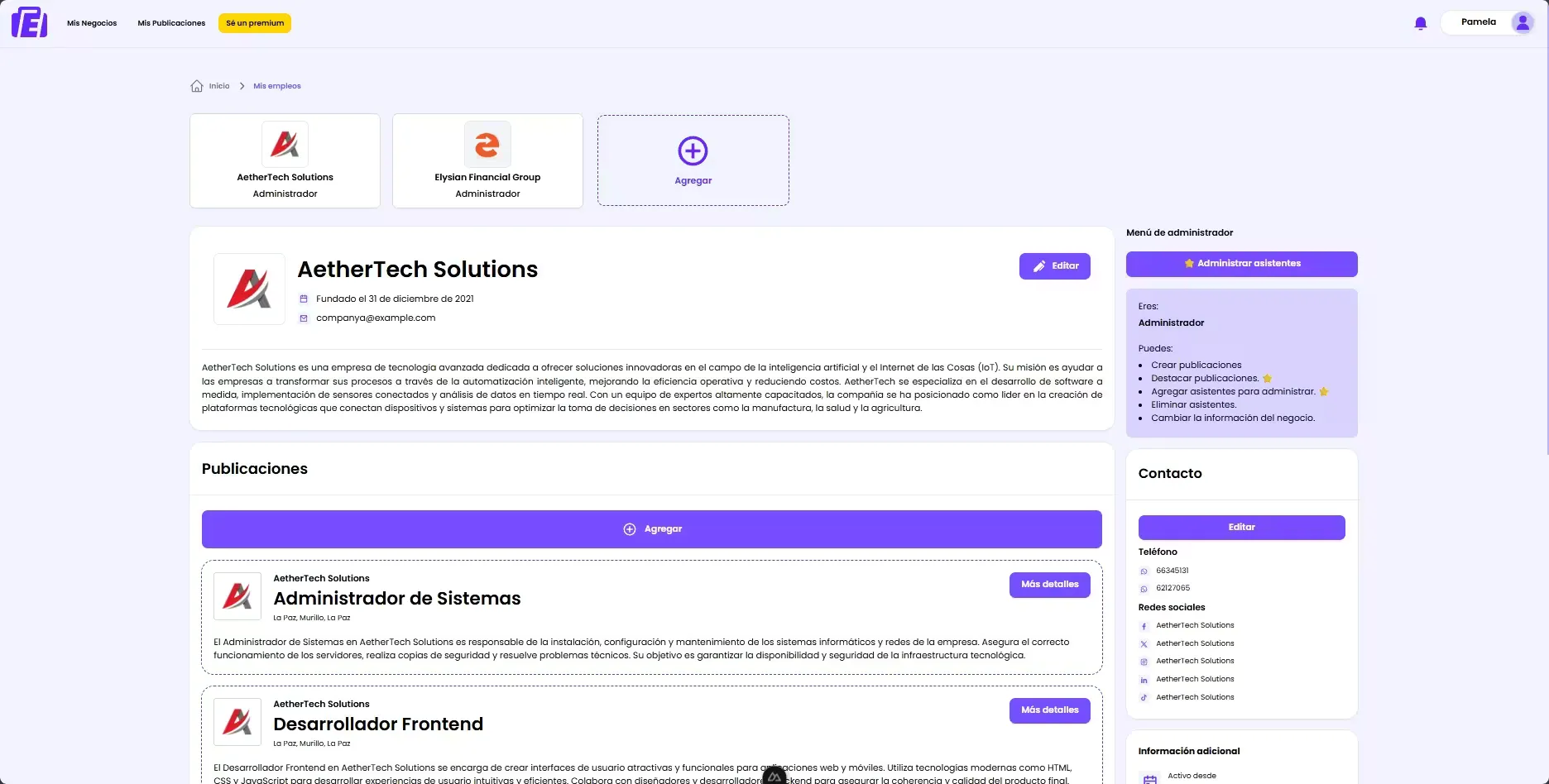
EMPLEAME is a web job platform from Bolivia that connects job seekers with employers in an efficient and modern way. The platform allows job seekers to create detailed professional profiles with work experience, education and skills, search job listings using advanced filters, apply to positions and receive real-time notifications about the status of their applications. Employers can post job openings, review candidates, manage multiple posts, access premium subscriptions to highlight their listings and use advanced features, among other capabilities.
Problem it solves
The traditional job market has limitations when it comes to handling vital data for job searching: efficiency is low and communication between employers and job seekers is poor. EMPLEAME aims to modernize this process by offering a digital platform that facilitates the connection between both parties, improving the user experience and increasing employment opportunities.
EMPLEAME backend
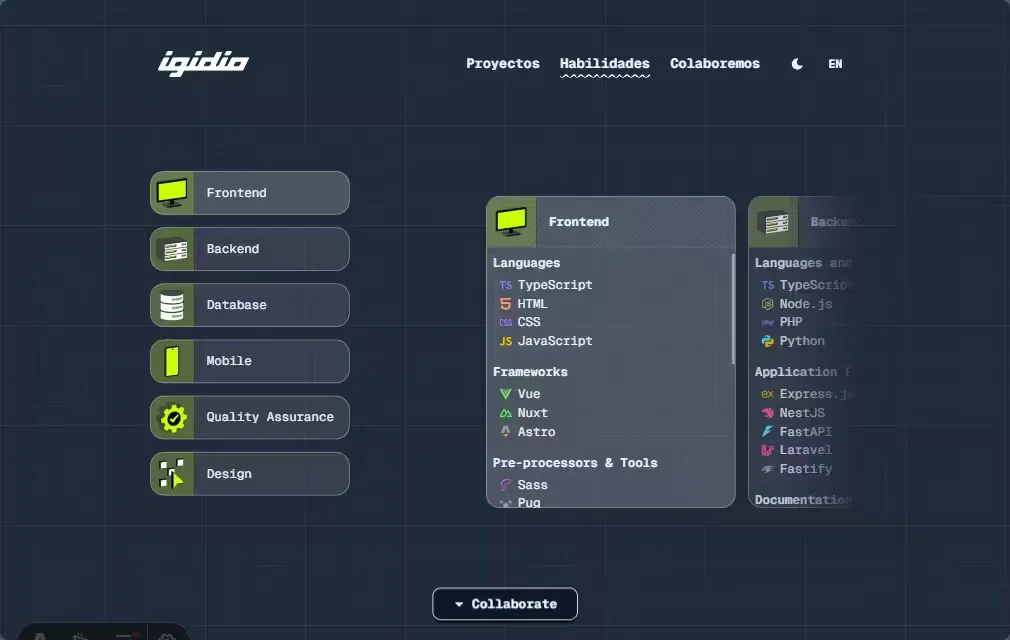
EMPLEAME Backend is the server-side application that handles business logic, data management and integrations with external services. It is an API focused on serving data efficiently via GraphQL and managing real-time events via WebSockets, supporting complex roles such as administrators (ADMIN, SUPERUSER) and regular users like employers (EMPLOYER) and job seekers (SEEKER).
Technology stack
- Backend
-
 TypeScript: Main language of the project
 -
 Node.js: Server runtime environment
 -
 NestJS: Framework to structure the server
 -
 GraphQL: Query language for APIs
-
- Database
-
 PostgreSQL: Relational database for data storage
 -
 TypeORM: ORM used to interact with the database
-
- Real-time communication
-
 Socket.IO (WebSockets): Real-time communication between client and server
-
- Authentication and security
-
 JWT: JSON Web Tokens for secure authentication
 - 🔑 bcrypt: Library for password hashing
-
 Passport.js: Authentication middleware
-
- External services and integrations
-
 Cloudinary: Cloud service for image management and optimization
 -
 Stripe: Online payment platform
-
- Validation
-
 class-validator: Validation for incoming data
 - class-transformer: Object transformation utilities
- 🥳 Joi: Schema validation
-
- Utilities
- 🕰️ Luxon: Date and time handling
-
 Sharp: Library for image processing on the server
- Development tools
- 🐶 Husky: Git hooks to automate development tasks
-
 Commitlint: Linting commit messages to keep a clean history
Features
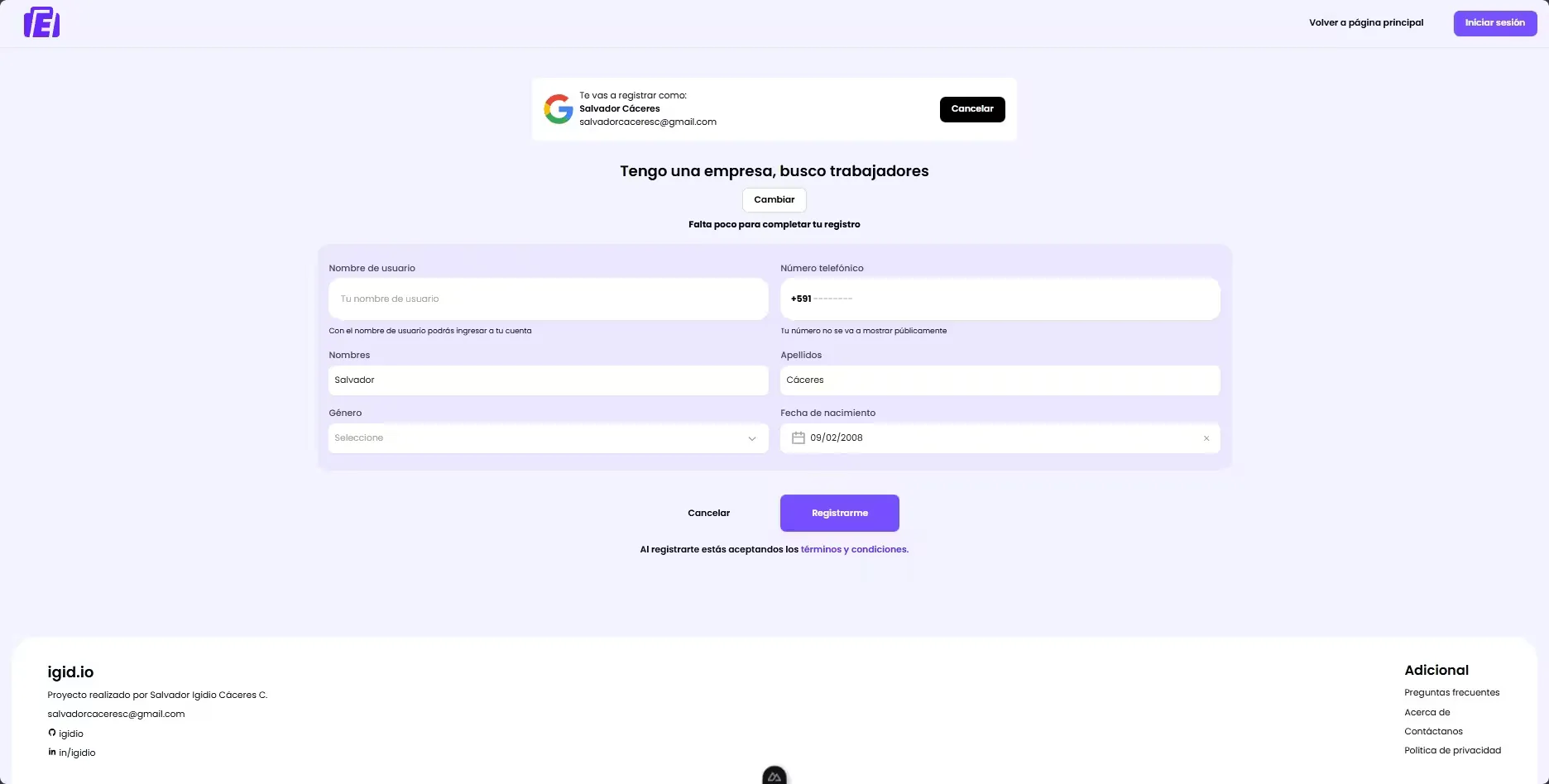
- Differentiated registration and authentication: Allows users to register and use the app as
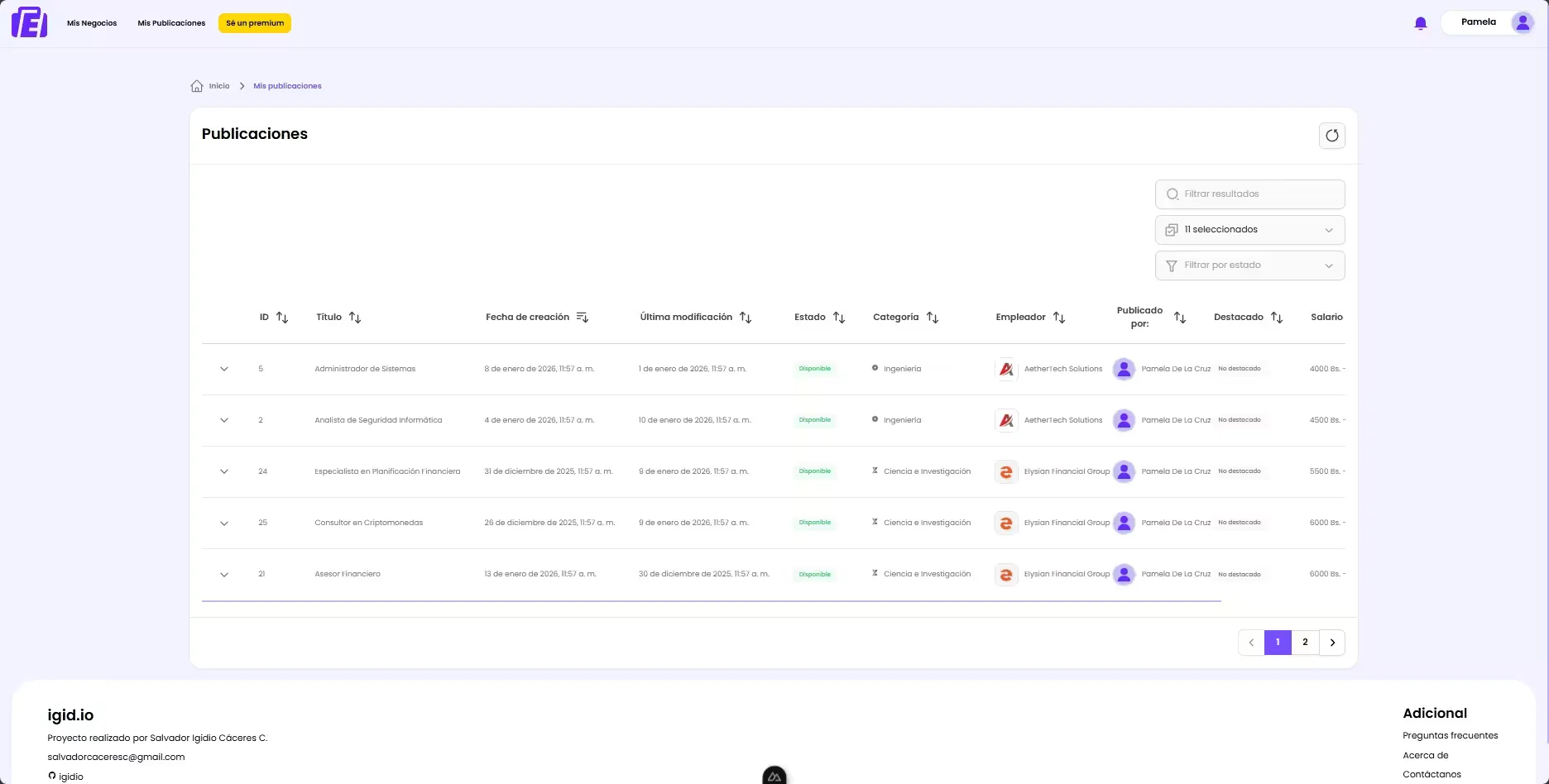
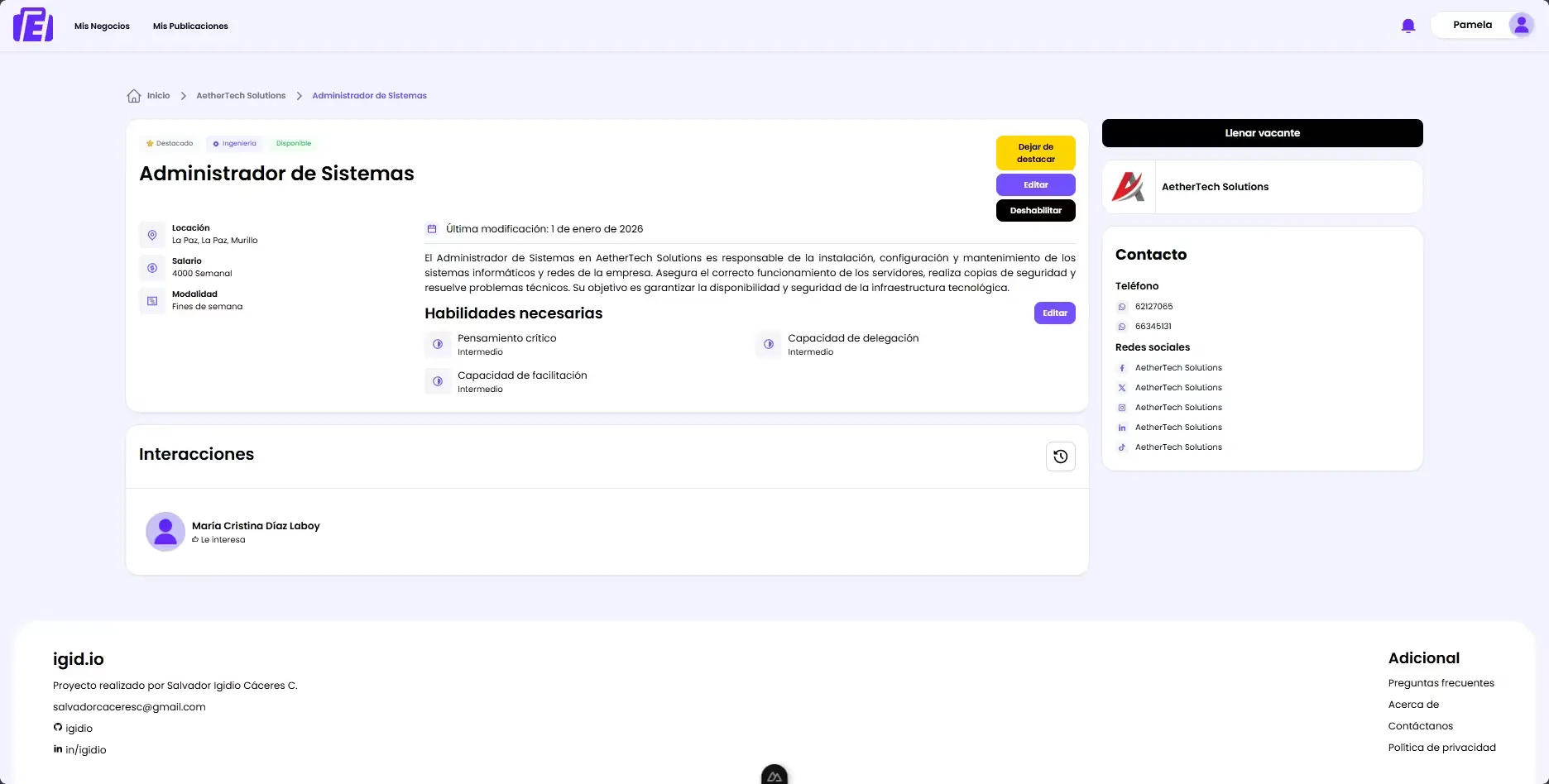
EMPLOYERorSEEKER, each with customized registration flows, utilizing route guards to protect features based on user roles. - Job posting management (employers): Employers can create, edit and remove job postings, as well as promote them via a premium subscription.
- Job search and applications (job seekers): Job seekers can search job listings with advanced filters, apply to openings and manage their applications, bookmark favorites to review later and see highlighted posts first.
- Real-time notifications: Users receive instant updates about their application status and other relevant activities.
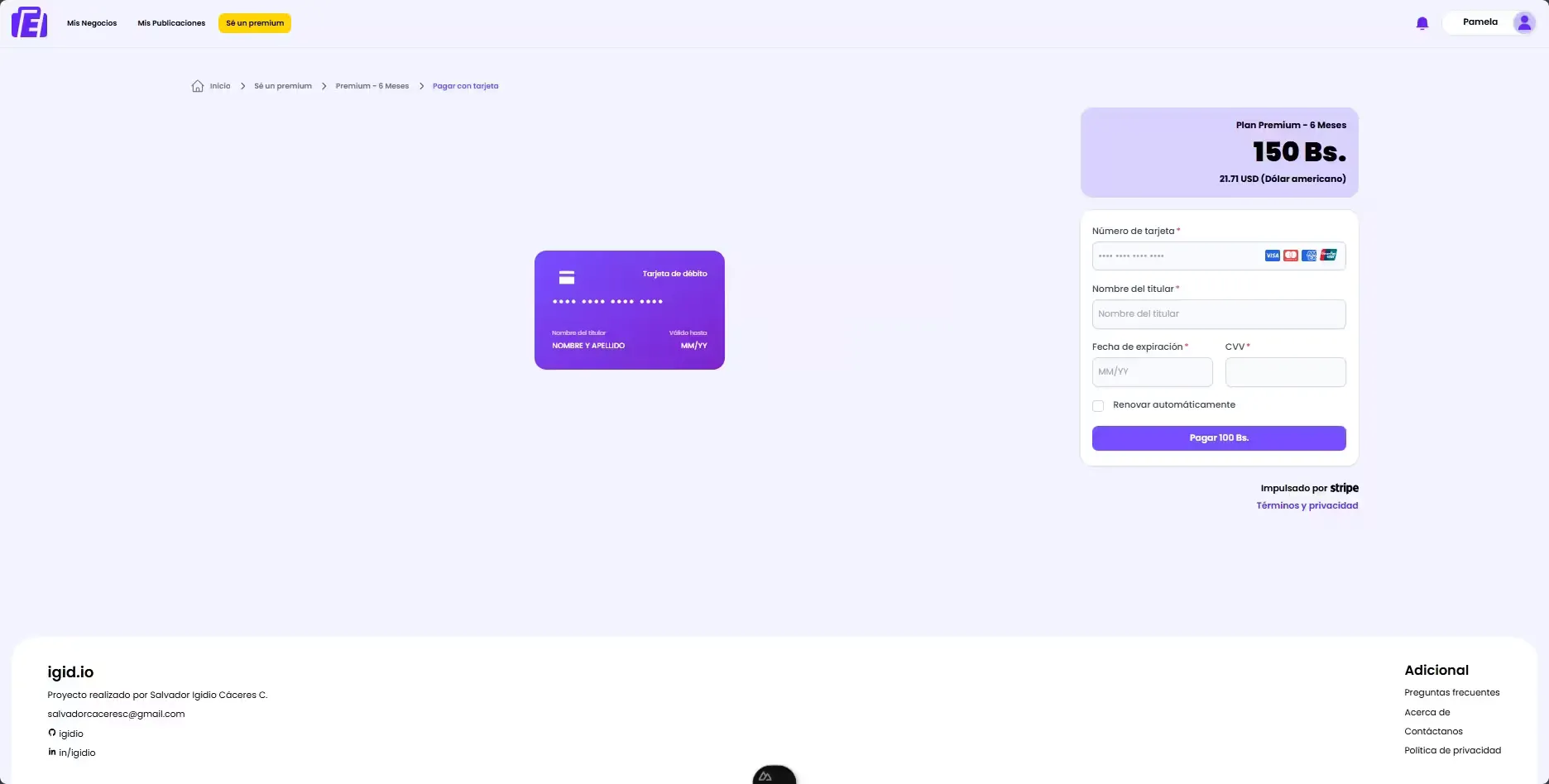
- Payments ecosystem: Stripe integration for secure and efficient handling of premium subscriptions and payments.
- Admininstrator level: Administrators can manage users, job postings and access detailed platform statistics.
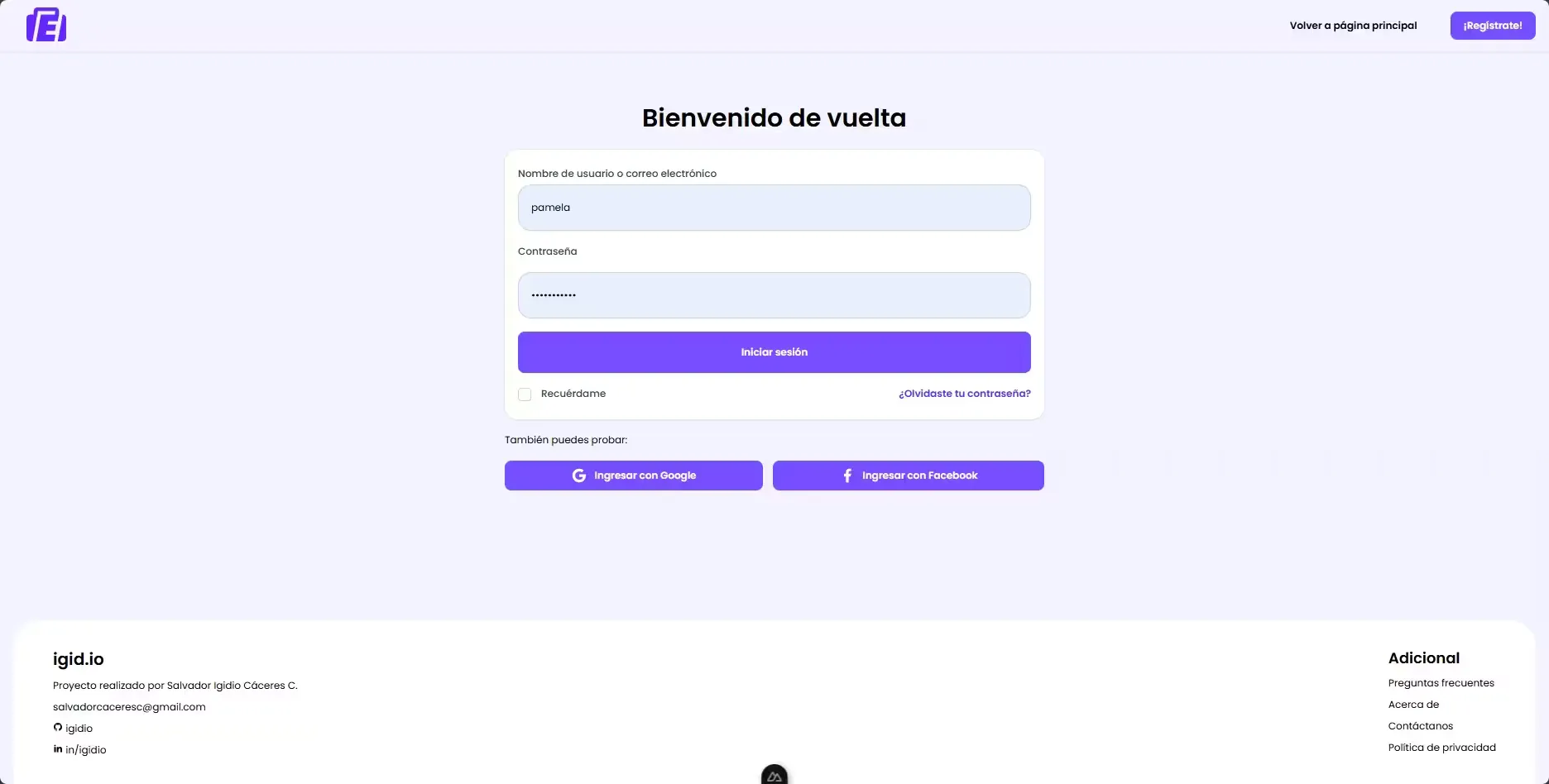
- Multichannel authentication: Support for traditional email/password authentication as well as social login with Google and Facebook.
- Confirmation and verification system: Implemented flows for email confirmation for new registrations and password recovery. Tokens for confirmations are single-use and time-limited.
- Image handling: Cloudinary integration for image storage and processing, allowing users to upload profile photos and employers to upload images related to job postings.
Modules
- User/Auth/Confirmation: Modules to manage the user lifecycle.
- Seeker: Management of candidate profiles, work experience, education, skills, applications, favorites, etc.
- Employer: Management of employers and companies, job postings, corporate information and post relations.
- Post: Management of job postings with all relevant information and filters.
- Subscription/Transaction/Stripe: Modules for premium subscriptions for employers and platform monetization.
- Notifications: Module to handle real-time notifications via WebSockets, including creation, delivery and management.
- Upload: Storage-agnostic service for file management.
- Interaction: Manages interactions between users and posts, including applications, favorites and views.
- Featured: Handles logic for featured posts such as duration, cost, expiration and renewal.
- Admin: Admin-exclusive features including dashboards, statistics and management tools.
Data model
EMPLEAME’s data model is designed to support complex relationships between users, job listings, applications and other core aspects of the platform.

You can also see the complete data model in diagrams.net: EMPLEAME data model.
Prerequisites
- NodeJS version 18.x or higher
- npm
- Docker (optional, for PostgreSQL)
Installation and running (backend)
-
Clone the repository:
git clone https://github.com/igidio/emplea.me-backend-services.git cd emplea.me-backend-services -
Install dependencies:
npm install -
Environment configuration: Rename the example env file and set the variables:
cp .template.env .env -
Database setup: If you have Docker installed, configure the 📄docker-compose.yaml file with your PostgreSQL settings. Then run the following command to start the PostgreSQL database:
docker-compose up -d -
Run migrations and seeds: Make sure the database is running and execute migrations and seeds to prepare the schema:
# Run TypeORM migrations npm run typeorm:generate # Run seeders to populate initial data npm run seed:fresh -
Start the application:
npm run start:dev
If everything is configured correctly, the app should be running at 🔗http://localhost:3000 and the GraphQL playground at 🔗http://localhost:3000/graphql.
Extra: if you want to use husky for git hooks and commit lints, run:
npx husky initEMPLEAME frontend
EMPLEAME Frontend is the client-side application that provides the user interface for the EMPLEAME job platform. Built with Nuxt 3 and Vue 3, this app offers a smooth and responsive user experience, allowing users to interact with backend features efficiently.
Technology stack
- Frontend
- TypeScript: Main language of the project
-
 Nuxt 3: User interface framework
 -
 Vue 3: UI framework
 -
 Vite: Fast build tool
 -
 Pinia: State management for global data handling
-
- UI
-
 Tailwind 3: Styling framework
 - Nuxt UI: Prebuilt and reusable components
-
 Iconify: Icon library
-
- Data fetching
-
 Apollo Client: GraphQL client for data fetching
-
- Real-time communication
- Socket.IO (WebSockets): Real-time communication between client and server
-
- Validation
-
 Yup: Schema validation for forms
-
- Utilities
-
 Unovis: Data visualization library for charts and diagrams
 - 📅 Date-fns: Librería for date handling
- 📆 Vue Datepicker: Calendar component for date selection
- ✂️ Vue Advanced Cropper: Component for advanced image cropping
- 🔑 Crypto-js: Library for data encryption and hashing
-
- Development tools
- 🐶 Husky: Git hooks to automate development tasks
- Commitlint: Linting commit messages to keep a clean history
Features
- Multichannel authentication: Implements a full authentication system with multiple login options, including traditional email/password and social login with Google and Facebook. Authentication tokens are securely stored in cookies with appropriate security options to protect user information.
- Progressive registration: The registration process is divided into steps to improve user experience. These steps may differ depending on the selected role (admin, employer or job seeker), allowing customization of the registration flow for each user type.
- Detailed job view: Job listings display key information such as title, description, requirements, benefits, location and job type. Contact information is only shown to authenticated users who have applied to the job or to employers, so interactions are secure; if the employer has a premium subscription, they can also see applicant contact details.
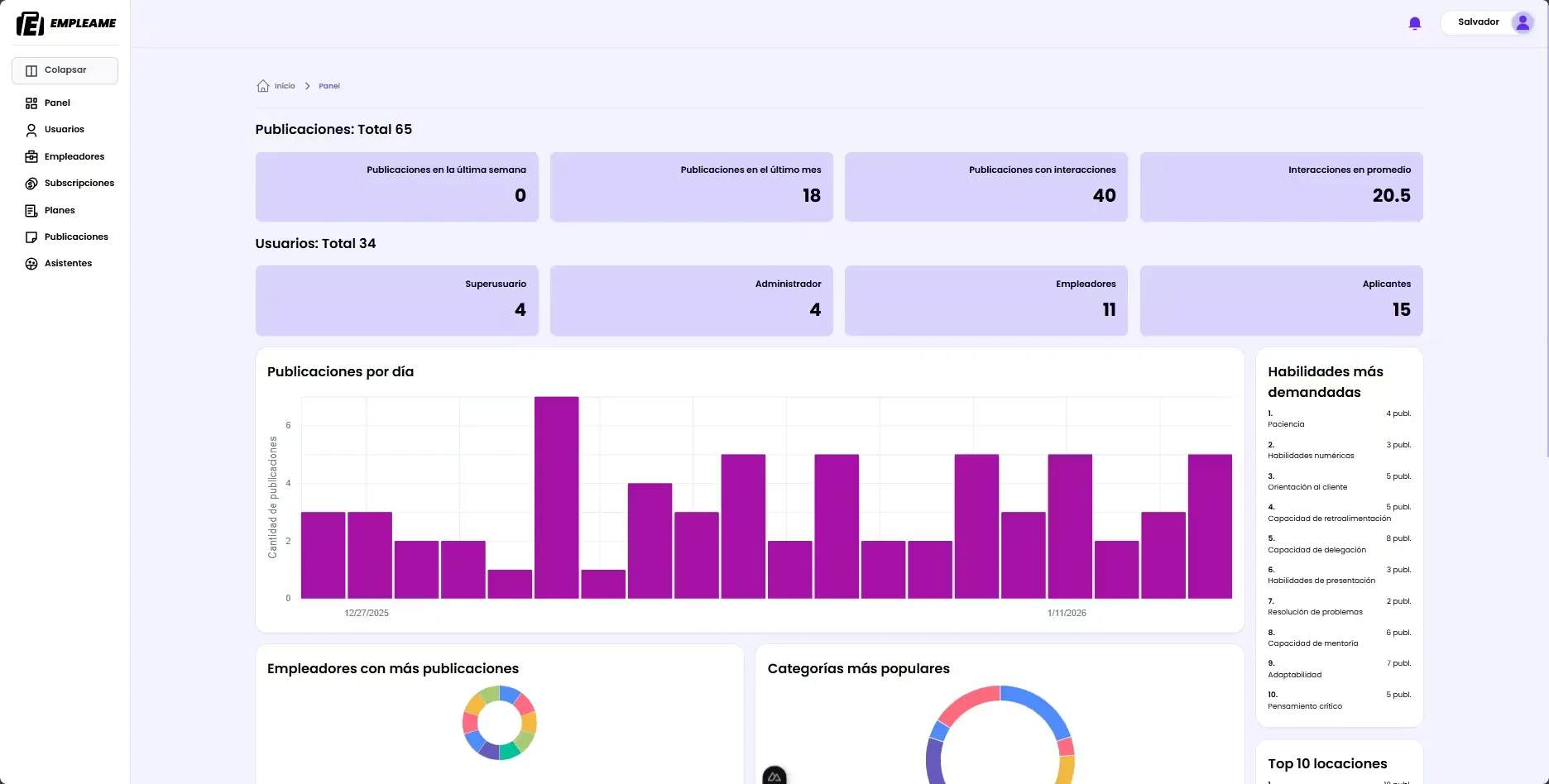
- Admin dashboard: Administrators have access to a control panel to manage users, job posts and detailed platform metrics.
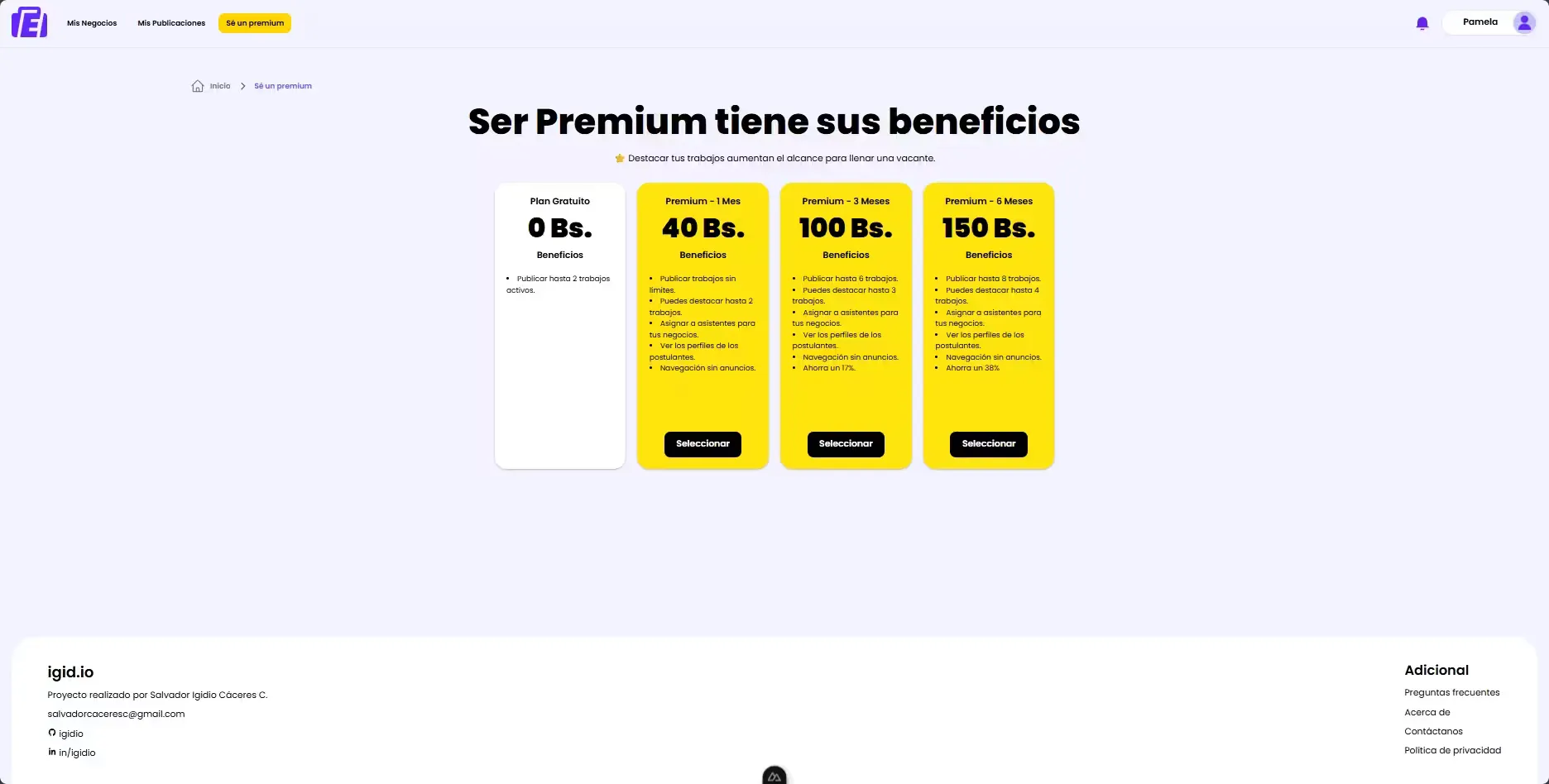
- Premium subscriptions: Employers can subscribe to premium plans that allow them to highlight listings and access advanced features to improve visibility.
- Assistant management: Employers with subscriptions can invite assistants to help manage postings via an email invitation flow.
Prerequisites
- Running EMPLEAME backend instance.
- NodeJS version 18.x or higher
- npm
Installation & running (frontend)
-
Clone the repository
git clone https://github.com/igidio/emplea.me-frontend.git cd emplea.me-frontend -
Install dependencies
npm install -
Configure environment variables
Create a 📄.env file from the template:
cp .env.template .env -
Update environment variables.
-
Start the app
npm run dev
The app will be available at 🔗http://localhost:3000. Ensure the backend is running and configured so the frontend can communicate with it.
Test data
The server includes a set of default data that can be loaded via seeders. These include test users, job posts, applications and other elements needed to test platform features. Some sample users available in the user seeder include:
| Role | Username | Password | |
|---|---|---|---|
SUPERUSER | salva123 | salva@example.com | password123 |
ADMIN | mariana | mariana@example.com | passW0RD222 |
EMPLOYER | pamela | pamela@example.com | passW0RD333 |
SEEKER | juan | juan@example.com | passW0RD444 |
Some test credit/debit cards for Stripe are:
| Card type | Card number |
|---|---|
| Visa | 4242424242424242 |
| Visa (debit) | 4000056655665556 |
| Mastercard | 5555555555554444 |
| Mastercard (debit) | 5200828282828210 |
| American Express | 378282246310005 |
| UnionPay | 6200000000000005 |
| UnionPay | 6200000000000047 |
| Discover | 6011111111111117 |
| Discover | 6011981111111113 |
The test card expiration date can be any future date, and the security code (CVC) can be any three digits (or four digits for American Express).
License
This project is licensed under the MIT License. See the 📄LICENSE.md file in the projects for details.